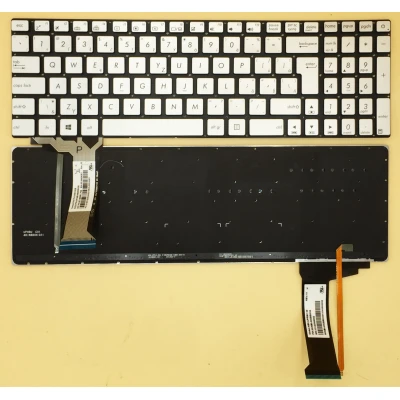
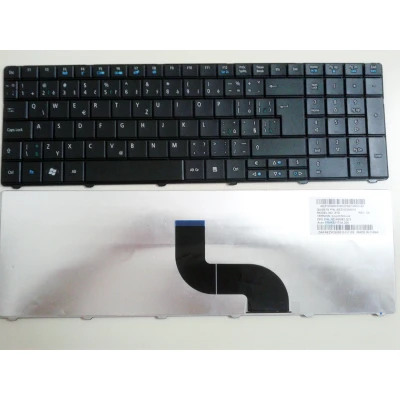
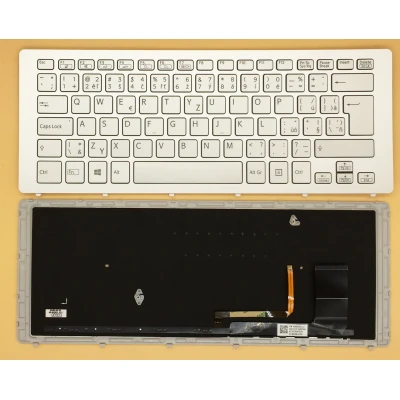
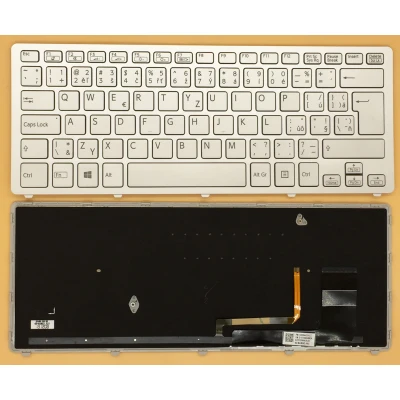
Below are the most common issues users encounter with laptop keyboards. If your problem isn’t listed, please contact our support team.
1. Some keys don't work at all
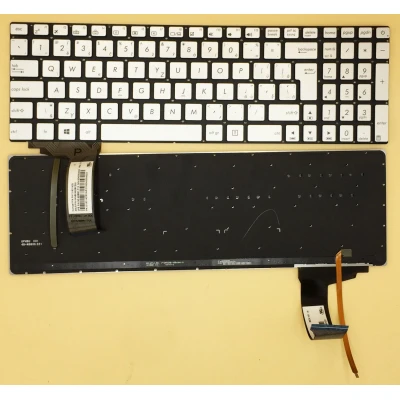
This is often due to a faulty ribbon cable or damaged connector. First, check the cable connection – re-seat it carefully. If the problem persists, the keyboard itself may be defective and needs replacement.
2. Keys are repeating or sticking
Sticking keys can be caused by debris or liquid spills. Try cleaning with compressed air. If that doesn’t help, the membrane or scissor mechanism may be worn – replacement is recommended.
3. Backlight not working (for backlit models)
Ensure the backlight function is enabled via the function key (e.g., Fn + Space). If it still doesn’t work, the backlight circuit or the LED strip may be faulty. Check the connection – if unresolved, the keyboard needs replacing.
4. Keyboard not detected by the laptop
This usually indicates a loose or damaged ribbon cable. Reconnect the cable firmly. If the system still doesn’t recognise it, the cable may have torn traces – a new keyboard is necessary.
5. Wrong characters appear when typing
Check your language/layout settings in the operating system. If the layout is correct but characters are still wrong, the keyboard’s internal matrix may be defective – replacement is the fix.
6. Keyboard layout doesn’t match my region
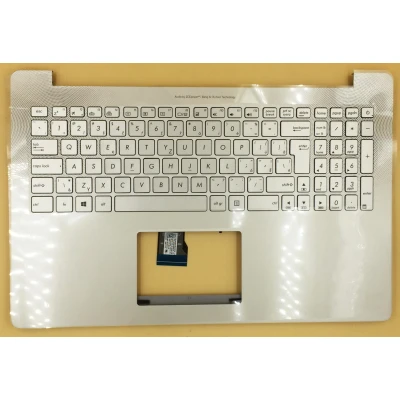
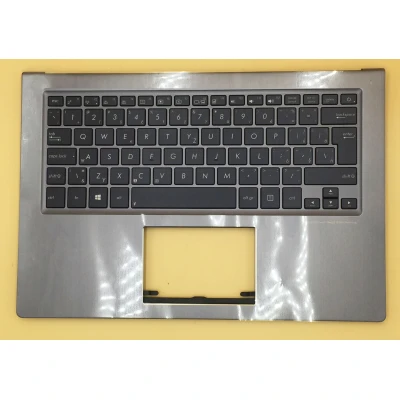
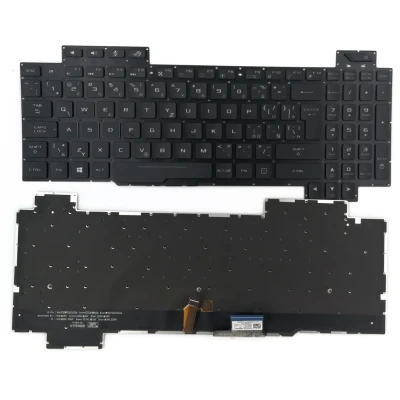
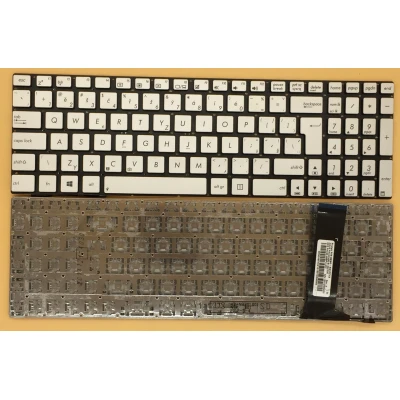
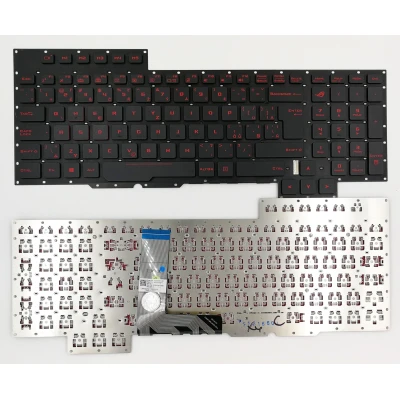
Before ordering, verify your laptop’s original layout (US, UK, JP, etc.). We provide detailed photos and model numbers to help you choose the correct one. If you receive a wrong layout, please contact us for an exchange.
7. Keyboard is physically loose or has raised keys
This could be due to broken clips or missing screws. Check that all screws are tightened. If keycaps are loose, they may need to be replaced individually – but often a full keyboard replacement is more cost‑effective.
Still need help? Our technical team is ready to assist. Email us at
info@laptop-keyboard.com with your order number and a detailed description – we typically reply within 12‑24 hours.